

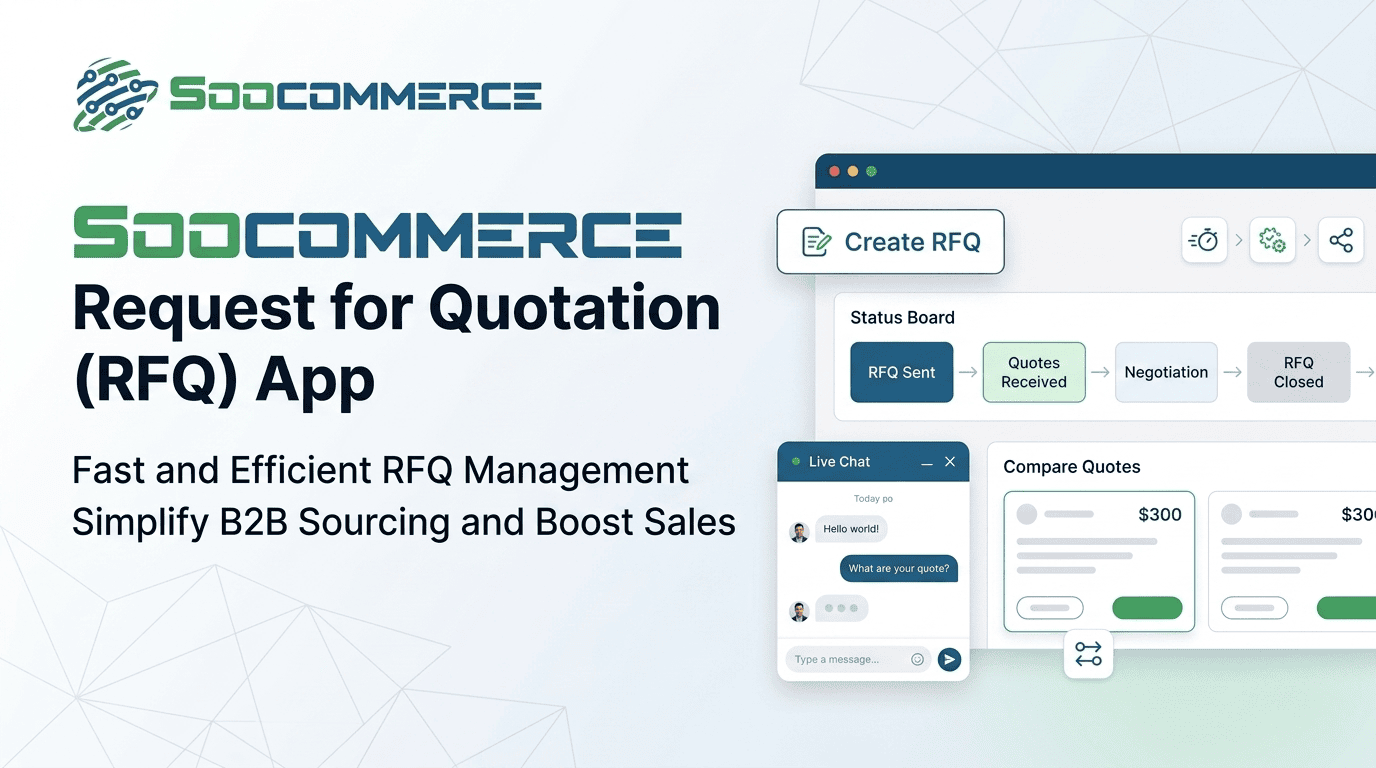
Soocommerce Request for Quotation App for Faster RFQ Management
Discover the request for quotation app by Soocommerce for faster RFQ management. Streamline procurement, track suppliers, and improve efficiency with mobile-friendly RFQ tools and automation.

Soocommerce Request for Quotation App for Faster RFQ Management
Introduction
A request for quotation app is transforming the way businesses handle procurement by making RFQ processes faster, more accessible, and easier to manage from anywhere. Instead of relying on manual documents or desktop systems alone, teams can now manage supplier quotations directly from mobile devices.
By combining a structured request for quotation (rfq) workflow with modern rfq management software, businesses can significantly improve speed, accuracy, and collaboration. In this guide, we’ll explore how RFQ apps work and how Soocommerce helps companies streamline procurement.
What is a Request for Quotation App?
A request for quotation app is a mobile or web-based application that allows businesses to create, send, track, and manage RFQs in real time.
Why Do Businesses Use RFQ Apps?
- Enables faster procurement decisions
- Improves supplier communication
- Supports remote and mobile work environments
RFQ Meaning in Software
The rfq meaning in software refers to digital systems that automate quotation requests, supplier responses, and evaluation processes through centralized platforms.
Key Features of a Request for Quotation App
A modern request for quotation app includes tools that simplify procurement workflows.
Core Features
- RFQ creation and customization
- Supplier invitation and communication
- Real-time status tracking
- Automated notifications
Advanced Features
- Integration with rfq tracking software
- Analytics and reporting dashboards
- Cloud-based data synchronization
How a Request for Quotation App Improves RFQ Management
Why Speed Matters
Procurement delays can increase costs and disrupt supply chains.
How RFQ Apps Help
- Reduce manual paperwork
- Enable instant supplier communication
- Provide real-time updates on quotations
How Does This Work in Practice?
A procurement manager can send an RFQ via app, receive supplier responses instantly, and compare bids without switching systems.
Request for Quotation App Use Cases
1. Procurement Teams
Teams use apps to manage multiple supplier quotations simultaneously.
2. Field Operations
Managers can request pricing while on-site or traveling.
3. Small and Medium Businesses
SMBs benefit from simplified RFQ workflows without complex systems.
Best Practices for Using RFQ Apps
1. Standardize RFQ Templates
Use a consistent request for quotation template for all suppliers.
2. Enable Notifications
Stay updated on supplier responses in real time.
3. Integrate With Procurement Systems
Combine the app with rfq management software for full control.
Best RFQ Software vs RFQ App
RFQ App vs Desktop Software
| Feature | RFQ App | Desktop Software |
|---|---|---|
| Accessibility | Mobile-first | Office-based |
| Speed | High | Medium |
| Flexibility | High | Medium |
| Use Case | On-the-go procurement | Complex procurement analysis |
RFQ App in Software Project Management
In rfq in software project management, mobile RFQ apps help teams communicate with vendors more efficiently.
Example Scenario
A company evaluating multiple rfp software companies uses an RFQ app to quickly request pricing updates and compare proposals in real time.
Common Mistakes When Using RFQ Apps
Common Mistakes
- Not standardizing RFQ formats
- Ignoring supplier response tracking
- Not integrating with rfq quotation software
- Overcomplicating RFQ workflows
RFQ App Checklist
Checklist
- Install and configure app correctly
- Use standardized RFQ templates
- Enable real-time notifications
- Track supplier responses
- Analyze procurement data
Advanced Strategies for RFQ App Optimization
Data-Driven Procurement
Use app-generated data to improve future purchasing decisions.
Automation Features
Automate repetitive RFQ tasks to save time and reduce errors.
Integration Strategy
Connect RFQ apps with ERP and rfq management software systems.
Why Choose Soocommerce Request for Quotation App?
Soocommerce offers a powerful request for quotation app designed for faster and smarter procurement management.
- Mobile-first RFQ management
- Real-time supplier tracking
- Integrated procurement ecosystem
Rakiplerden ayrışma açısı: Soocommerce uniquely combines RFQ app functionality with global e-export and procurement automation, enabling businesses to manage sourcing and international trade from a single mobile platform.
Additionally, built-in analytics provide actionable insights for faster and more accurate decision-making.
FAQ
What is a request for quotation app?
It is a mobile or web application used to create, send, and manage RFQs digitally.
Why should businesses use RFQ apps?
They improve speed, accessibility, and efficiency in procurement processes.
What features should an RFQ app include?
RFQ creation, supplier tracking, notifications, and analytics features.
How does an RFQ app improve procurement?
It reduces manual work, speeds up communication, and improves response tracking.
What is the best RFQ software?
The best RFQ software includes automation, tracking, and integration features.
Can RFQ apps be used in project management?
Yes, they are widely used in rfq in software project management for faster vendor communication.
Related Posts
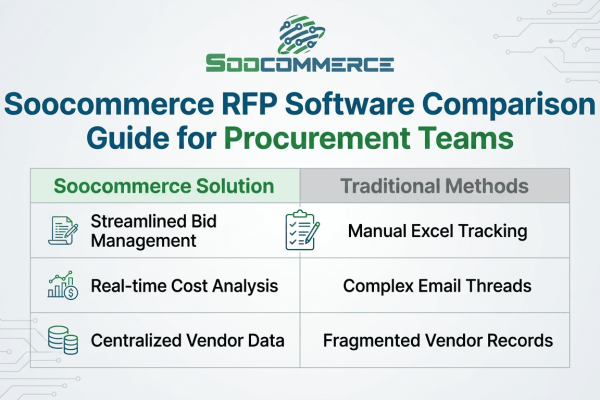
A complete RFP software comparison guide for procurement teams. Learn how to evaluate platforms, key...
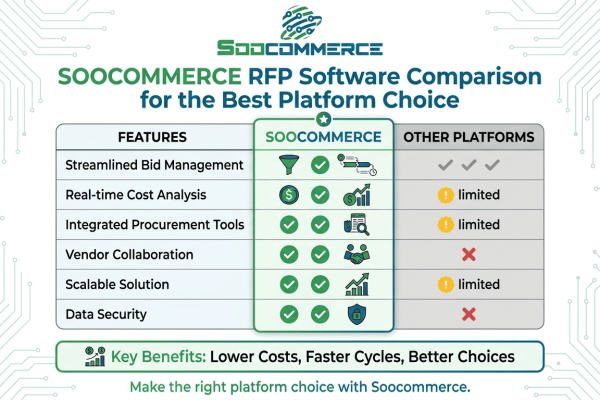
Explore a complete RFP software comparison to choose the best platform. Learn key features, pros &am...
Explore trusted RFP software companies that drive business growth. Learn how Soocommerce helps strea...